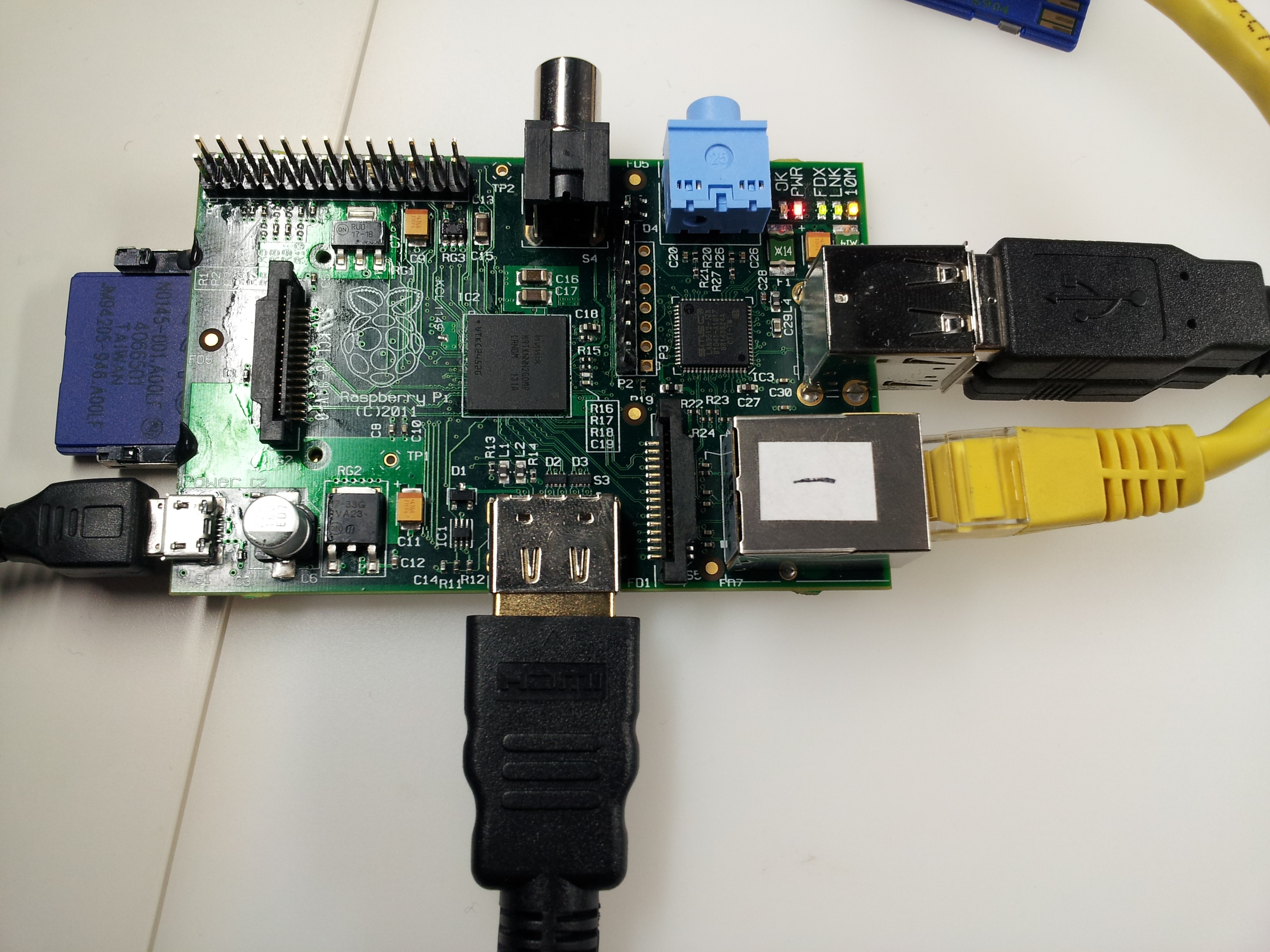
احد اقاربي المبتعثين للخارج اهداني جهاز Raspberry Pi لكونه يعلم أنني مبرمج #C ولي اهتمامات بالكمبيوتر .
عندما قمت بتشغيله وجدت Python Compiler واغلب البرامج التي عليه Python Utility وهذا عينه عن ما كتب للـ Command line :blush: .
Here is a code snippet showing how to use the command-line program spincl directly from Python:
###
import commands

#path to the SPI command-line program, "spincl"
spinclPath = '/home/developer/csource/spincl'

#Show spincl usage
print commands.getoutput(spinclPath)

#spi begin enables RPi SPI interface
commands.getoutput(spinclPath + ' -ib')

#write 32 bit string of 1's with SPI mode = 3, clock frequency divider = 5,
#use SPI CS0, chip select active low, transmit 4 bytes full duplex
commands.getoutput(spinclPath + ' -m3 -c5 -s0 -p0 4 0xFF 0xFF 0xFF 0xFF')

#transmit 1 byte and read back 1 byte (full duplex)
res = commands.getoutput(spinclPath + ' -m3 -c5 -s0 -p0 1 0x00')
print res

#Disable SPI (may not want to do this as the SPI interface
#puts the chip select pins CS0 and CS1 into the INPUT state)
commands.getoutput(spinclPath + ' -ie')
###
الان هل استطيع ان احصل من حضراتكم على اي تطبيق صغير لاي غرض لتجربته مباشرتا على هذا الجهاز وطريقة تنفيذه . ومن أين احصل على برامج تعمل عليه . لان بصراحه عجزت عن التعامل معه .